Minecraft skin editor & skin library

PizzaCube.net is a free, browser-based editor for 64×64 Minecraft skins. Paint a skin pixel by pixel, preview it on a live 3D character, and export a PNG that works in both Java and Bedrock Edition, or start from a skin someone already published and remix it. No install, no account needed to edit.

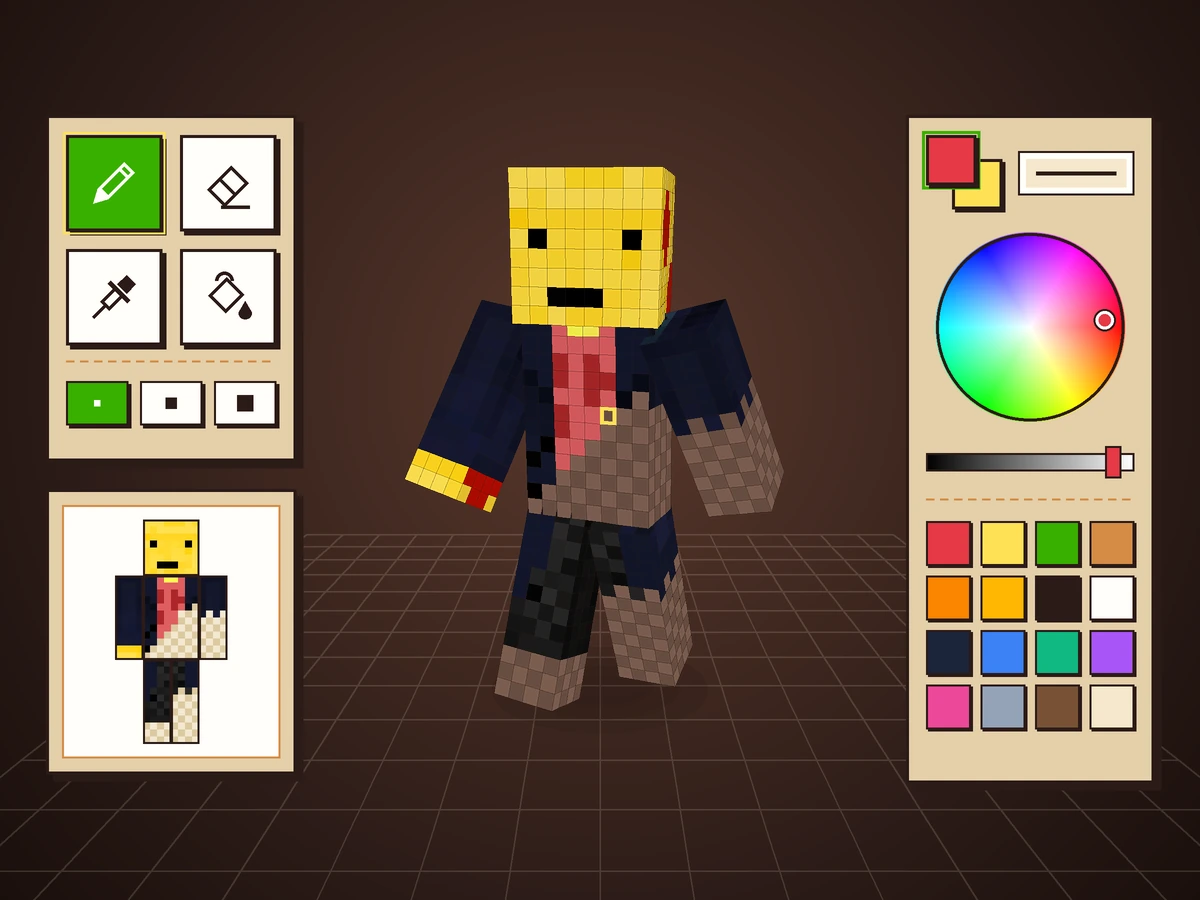
Preview of the 3D Minecraft skin editor

3D Skin Editor

Create, customize and preview your Minecraft character in 3D.
Launch Tool
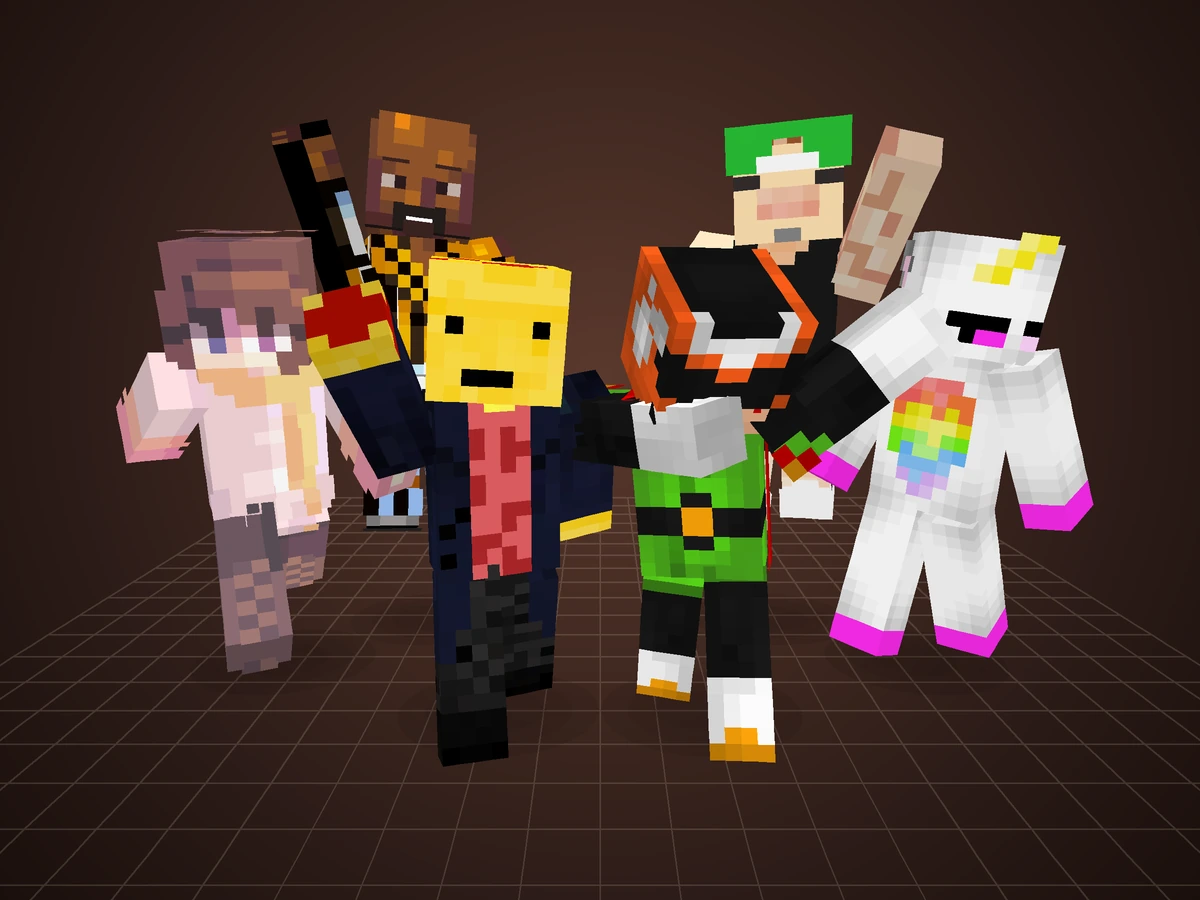
Preview of community published skins

Community Skins

Browse, download and remix skins published by the community.
Browse Skins
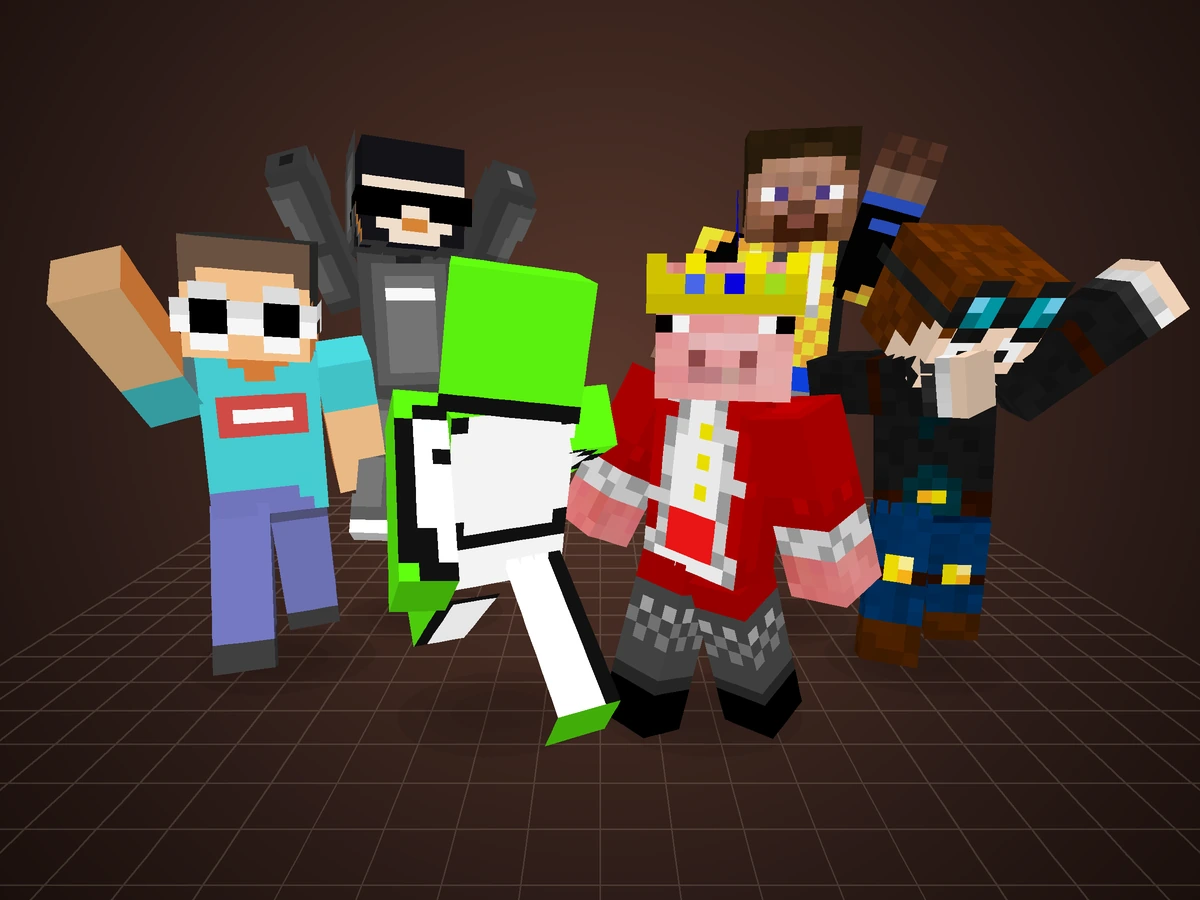
Preview of player skin search results

Player Skins

Explore the skins Minecraft players are wearing right now.

Explore Skins

What you can do on PizzaCube.net

  • Draw a skin from scratch in the 3D skin editor with a pixel brush, flood fill, mirroring, layers and undo, then check every angle on the 3D model before you download.
  • Remix an existing skin. Open any community skin in the editor, or look up a Minecraft username on player skins to pull the exact skin that player is wearing.
  • Publish and share. Add tags, likes, favorites and comments to the skins you upload, so other players can find them and build on them.
  • Download the PNG. Every skin here is a standard 64×64 texture you can drop straight into your Minecraft installation or a launcher profile.